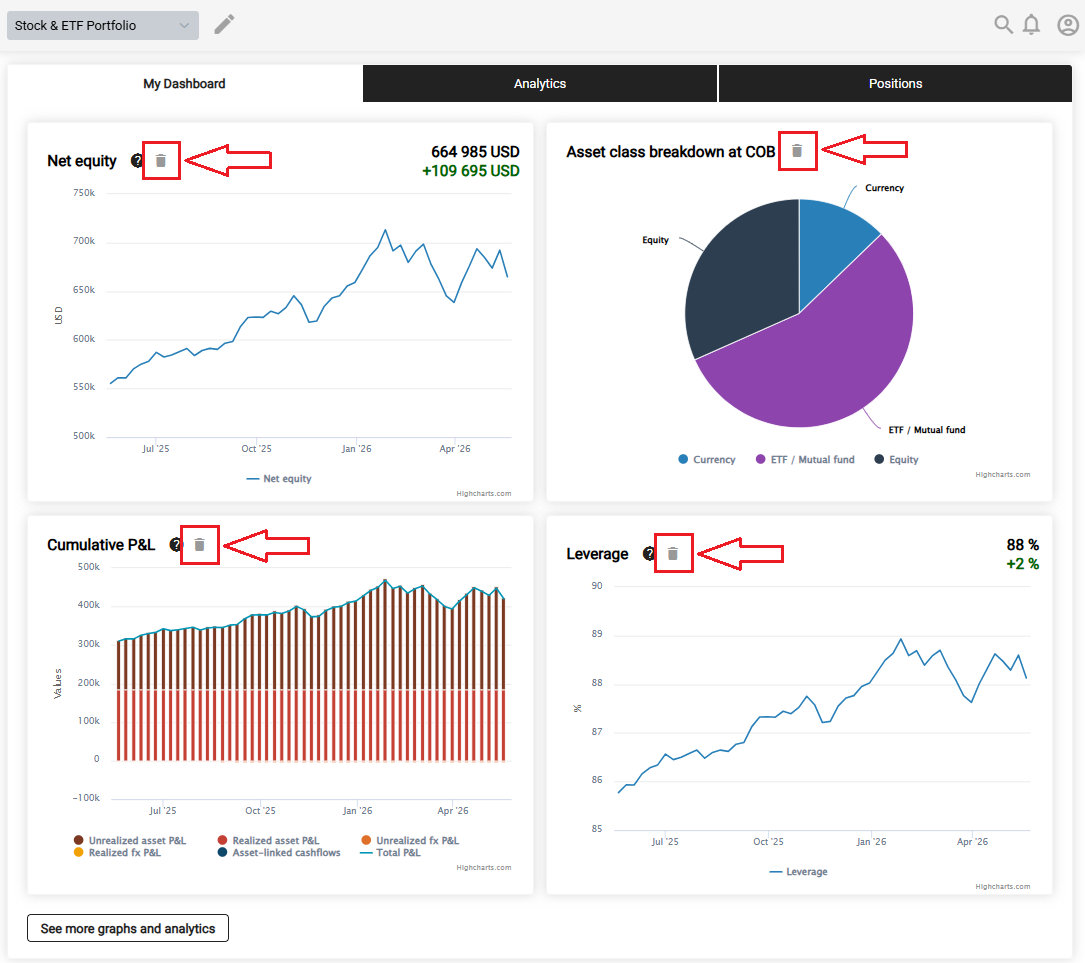
You can add or remove any visualization from your personal dashboard with a single click. Use the plus sign to add a visualization and the trash icon to remove it.
Go to Analytics, select the visualization you want to add to your personal dashboard, then click the plus sign.
Go to My Dashboard, then click the trash icon to remove a visualization from your personal dashboard.