Customize your dashboard
Your personal dashboard is fully customizable. Add or remove any visualization with a single click, and curate an analytics view that matches what matters most to you.
Adding a visualization
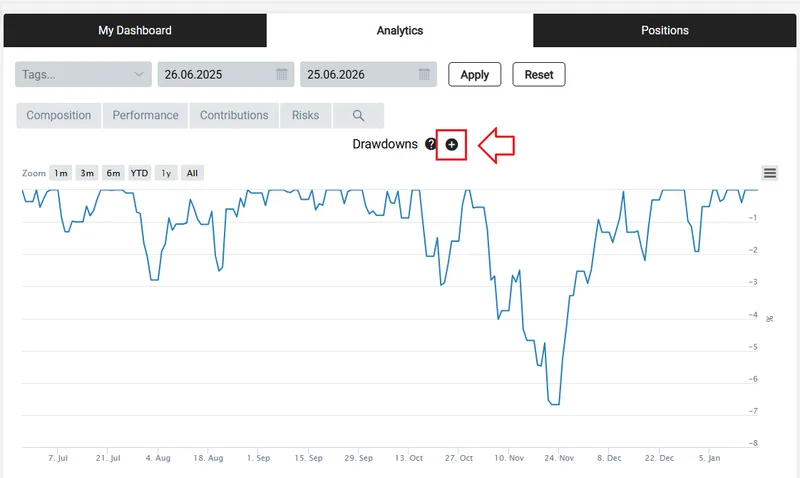
Go to Dashboards → Analytics, find the visualization you want, and click the + icon to add it to your personal dashboard.
Removing a visualization
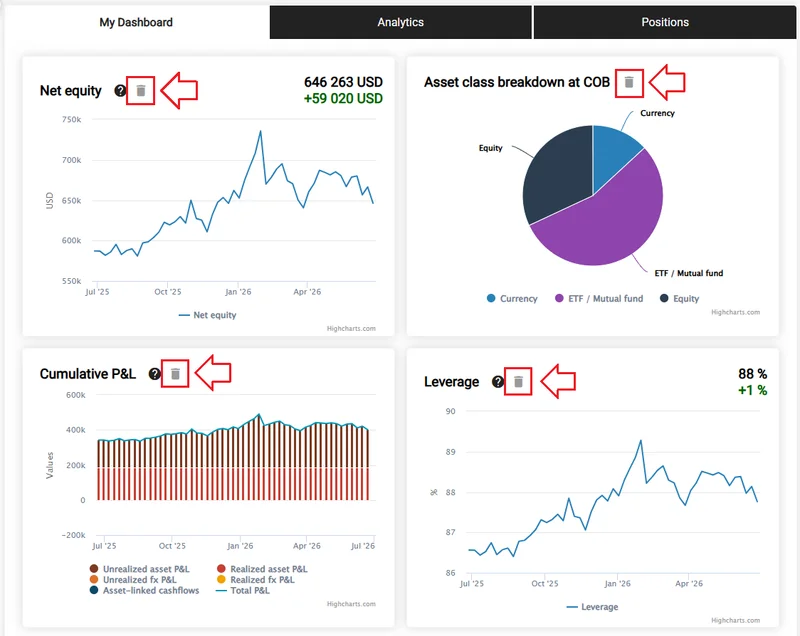
Go to Dashboards → My Dashboard and click the trash icon next to any visualization you want to remove.